 Seattle Family Calendar
 Subscribe
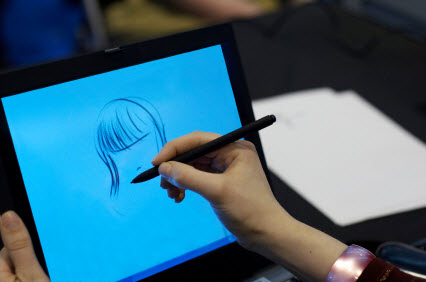
In an era when arts education is being cut from schools, many parents are looking for ways to fill in the gaps. Private lessons are nice, but not everyone can afford them, and hardly anyone has time to cart kids to yet another scheduled activity.
While it may seem counter-intuitive at first, some parents are turning to technology to help make art everyday parts of family life. There are so many arts apps and digital enrichment programs that finding the right one can quickly become overwhelming. We’ve collected some of our favorites here to help you get started. (Stay tuned; we’ll soon have a collection of great music apps.)
Preschool
Every parent of a small child needs a finger painting app to end the stress of standing in a long line or sitting in a waiting room.
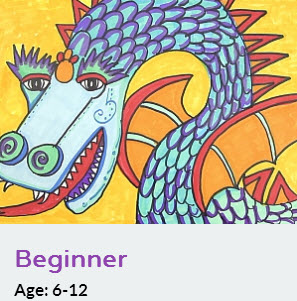
1.
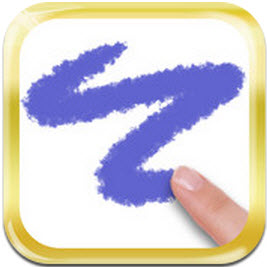

2. Art of Glow. FREE, Android
4. Art Start has an associated blog where kids can share their creations. $0.99, iOS
If your young artist has ever said, “I can’t think of anything to draw/write/make,” try an app for inspiration. Although parents will need to help the youngest kids read them, apps generate creative prompts that artists can complete any way they choose.
Elementary

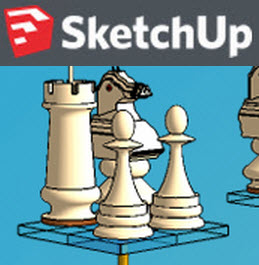
9. SketchUp is not for mobile devices, but it lets everyone from grade school students to professional architects draw in 3D. SketchUp Make is free and doesn’t require a license. SketchUp Pro is free for educators and heavily discounted for students and schools.
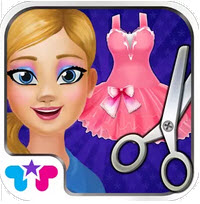
10. Design It! A step up from paper dolls, this is one of many apps for designing clothes. FREE, Android.
Tween/Teen
Art students can use virtual flash cards and quizzes to learn the titles, artists, and media of famous artworks.
11. Art History Test $1.99, iOS

12. AP Art History Test. $3.99, Android
Fashion-minded teens can go beyond Instagramming their outfits and actually design their own clothes. Who knows? Design might even lead to craft – homemade is cool if you call it ‘bespoke.’

Finally, some of the most interesting apps actually help users to create art. There are lots of apps for all platforms that use the screen as a sketchpad or painter’s canvas.
Some of them are quite sophisticated:
Maybe your kids will add their own stop-motion animation to the ranks of YouTube’s amateur movies. Extremely popular YouTube channels can even make money for their creators.
Other ways that young people can become working artists include selling their iPhone photos as stock images and creating interactive digital books that they can sell on the iBookstore.
About the author: Gemma Alexander is a Seattle-based writer and mother of two.